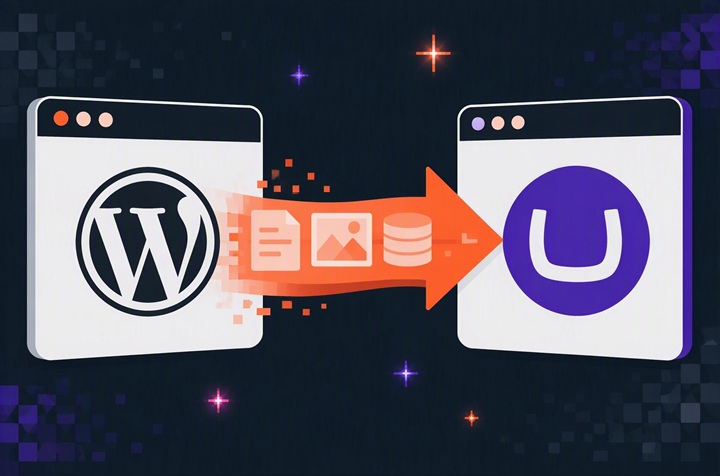
Thinking about moving from WordPress to Umbraco? Here's how to protect your content, search rankings and user experience, whether you're migrating an existing site or starting again.
What Umbraco does differentlySupport. Umbraco has long-term support releases with fixed end dates (such as Umbraco 17), so you can budget for upgrades. WordPress takes a different approach, with official support focused on the current release.
Flexible pages. With Umbraco's Block Grid, editors add blocks to layouts, and can optionally resize certain content. The editing experience is also straight forward. We tend to set it to show just enough context without mimicking the live page.
Editors limited to their own areas. In WordPress, an Editor can change every page and an Author only their own posts. Giving a team one section of the site needs a plugin. Umbraco does this as standard.
Multilingual as standard. If you publish in more than one language, Umbraco handles translations itself. WordPress needs a plugin.
How to move without losing anything
Most of the risk sits in your content and search rankings.
The pages you see are only part of the site. Sidebars, menus, theme settings and leftover code from plugins removed years ago live in the database, and an import will pick them up. List what each plugin does in plain English ("sends forms to our CRM", not "WPForms Pro"), because you're replacing functionality, not plugins.
Decide what happens to each page. Old pages rarely map neatly onto a new site, so mark each to move, rewrite, merge or delete.
Delete dead content, but check links first. A page with no visits in two years can still have links from other sites. Redirect it to the closest relevant page. If there isn't one, let it show as not found; Google treats redirects to the homepage as missing pages anyway.
Plan the content structure before the pages. Decide what types of content you have, such as news, case studies and service pages, and what fields each needs. Seven near-identical landing pages can then become one flexible template.
Build a complete redirect map. Benchmark traffic, rankings and conversions first. Then map every old web address to its new one, including PDF's and images, which are often overlooked during migrations. Merged pages redirect to the page that replaced them. After launch, recheck every old URL and watch Google Search Console.
Decide what happens to old form entries. Many form plugins keep every submission, often with personal data. Export or delete them before the old site is switched off.
Why Spinbox?
We're an Umbraco Gold Partner and Cyber Essentials Plus certified, with 20 years of moving organisations between platforms. If you're weighing up a move, we'll review your site and give you an honest assessment of what's involved, including whether migrating to Umbraco is the right choice for your organisation. No commitment.